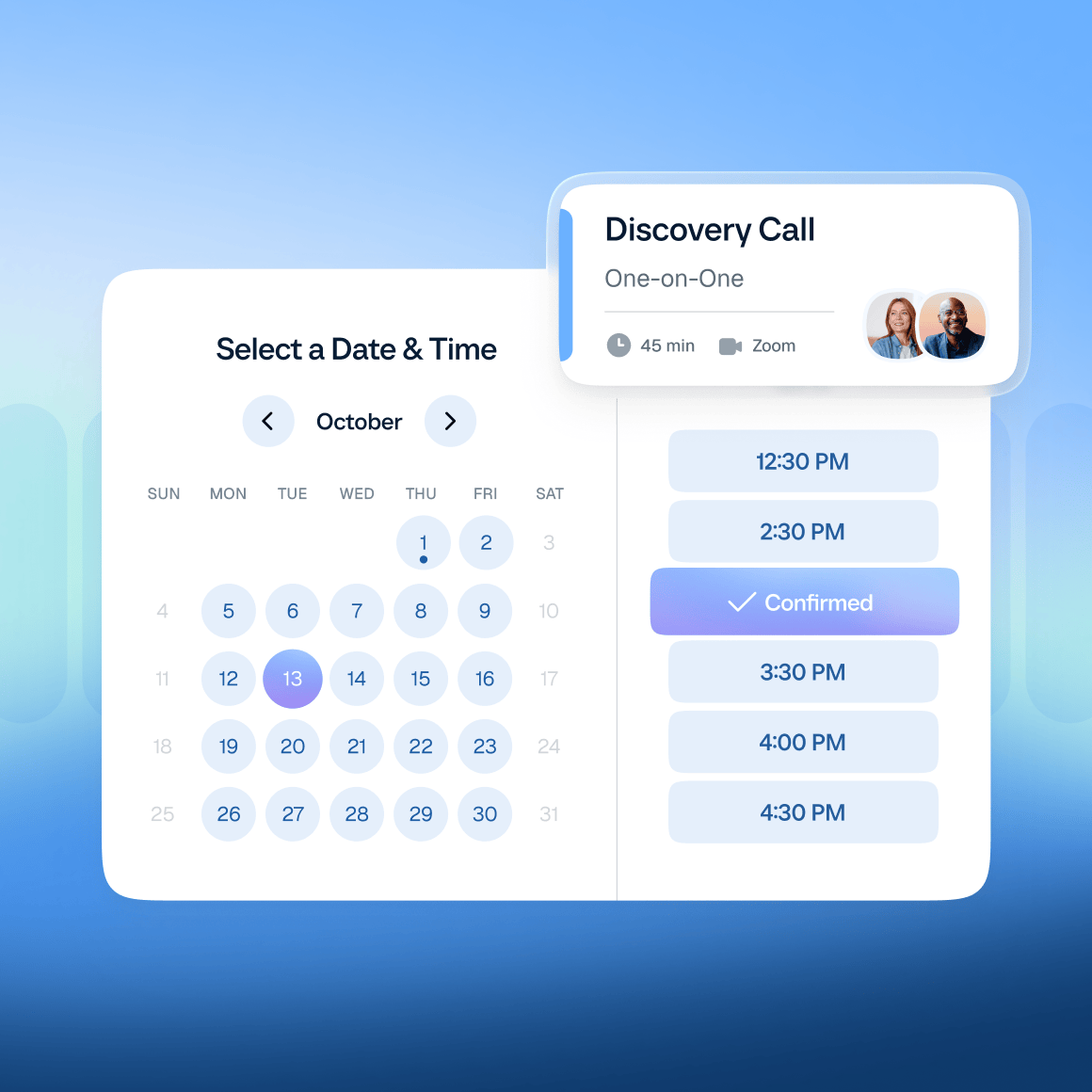
Calendly is an online scheduling tool that lets people book time with you through a shared link. Instead of exchanging messages to find a meeting time, you set your availability and invite someone to choose a slot.
For a consultant, that could mean a link for discovery calls. For a recruiter, it could mean interview scheduling. For a coach, it could be a way to let clients book individual sessions.
This guide explains the booking workflow, the main meeting formats, what to check when comparing plans, and where TinyCal fits for solo experts selling services.
How does Calendly work?
The basic workflow starts with a meeting template, called an event type. You define the duration, location, and availability, then share its booking link.
For example, you might create a 15-minute introduction and a separate 60-minute consultation. The distinction matters: clients should understand which meeting they are booking before they choose a time.
Create a booking link
Give each meeting a descriptive name and explain its purpose. Include enough detail for an invitee to decide whether it is the right next step.
A discovery call description might explain that you will discuss goals and fit. A paid consultation should make the expected outcome and preparation clear.
Connect your calendar
Calendar connections help the scheduling tool check existing commitments. Review which calendars it checks for conflicts and where it adds new bookings before you share your link.
Do not assume that every calendar provider is available. For example, Calendly stopped accepting new iCloud Calendar connections on August 20, 2024, while continuing to support existing connections. See its calendar connection policy before planning an iCloud-based setup.
Set realistic availability
Your working hours and your bookable hours do not have to be identical. Reserve time for preparation, follow-up, administration, and breaks.
Before publishing a link, try booking as an invitee. Check the time zone, meeting description, location, and confirmation details. A quick test is especially useful when your clients live in other countries.
What is Calendly used for?
Common scheduling needs include discovery calls, client consultations, recruitment interviews, product demonstrations, and workshops. The right meeting format depends on who needs to attend.
Calendly distinguishes these formats:
- One-on-one: one host meets one invitee.
- Group: one host meets several invitees in the same session.
- Collective: several hosts meet an invitee when all required hosts are available.
- Round robin: bookings rotate across hosts according to availability or assignment rules.
Group events are available on Standard and above; round robin requires Teams or Enterprise. Calendly's event type overview explains the formats and plan requirements.
A workshop with ten attendees and a consultation with two required hosts are different scheduling problems. Choose the format that represents the actual meeting rather than trying to adapt a one-on-one link to every situation.
Calendly pricing in 2026
As checked on October 26, 2026, Calendly lists these base plans in US dollars:
| Plan | Advertised price | Main distinction |
|---|---|---|
| Free | $0 | One event type and one calendar connection |
| Standard | $10 per seat per month, billed yearly | Unlimited event types, multiple calendars, reminders, and Stripe or PayPal connections |
| Teams | $16 per seat per month, billed yearly | Adds round-robin scheduling and lead routing |
| Enterprise | From $15,000 per year | Adds organization-wide administration and security capabilities |
Calendly also offers optional Notetaker and Callie bundles for Standard and Teams. Check the selected bundle and billing interval before comparing costs. These prices and inclusions come from Calendly's pricing page and can change.
For your own budget, count the people who need to host meetings, then compare the annual commitment with the monthly option. A per-seat price is only one part of the decision: you also need the plan that includes your required workflow.
Calendly pros and trade-offs
A booking link can make appointment coordination easier for both sides. Instead of waiting for a reply to a list of suggested times, the invitee can choose from the options you have made available.
Calendly's range of meeting formats is useful when your needs extend beyond individual calls. A business coordinating interviews or distributing appointments across several hosts should evaluate those team workflows directly.
The Free plan's single-event-type limit is a practical constraint if you offer several kinds of appointments. Write down your service menu before choosing a plan: a free introduction, a paid consultation, and a workshop may need different configurations.
Avoid choosing software based only on the longest feature list. The useful question is whether you can configure your actual appointments, explain them clearly to clients, and manage them comfortably each week.
Calendly vs TinyCal for solo experts
TinyCal focuses on coaches, consultants, and solo experts presenting their expertise as bookable services. Its booking page can bring discovery calls, paid consultations, and ongoing sessions into one client-facing experience.
TinyCal's current pricing section lists a $0 option with up to three services and a Light plan at $7 per month with unlimited services. Both list unlimited meetings, email reminders, Google and Outlook Calendar integrations, Zoom, Google Meet, recurring and group meetings, Stripe payments, and custom fields. The $0 option is labeled Free trial, so review the current terms when signing up.
That makes the service limit a useful starting point for comparison. Map the offers you need today, then check the complete booking experience in each product.
Recurring coaching and consulting
If your work involves an ongoing client relationship, evaluate how you will arrange repeated sessions, handle an occasional schedule change, and explain the commitment to your client. TinyCal's recurring meetings support a consistent cadence for ongoing sessions.
Workshops and group sessions
A workshop needs a capacity limit as well as a time slot. Review the attendee experience, payment setup, and cancellation behavior before opening registration. TinyCal's group meetings include attendee caps and individual spot cancellations.
Payments and preparation
For a paid service, test the steps between choosing an appointment and receiving confirmation. Make sure your client understands the price, what to prepare, and where the session takes place.
Explore TinyCal's payment options and integrations when setting up that workflow. Standard payment provider fees apply.
How to choose a scheduling tool
Start with one real service rather than an abstract comparison. Configure it in the tools you are considering and review these points:
- Can clients understand the offer and choose the right appointment?
- Does the availability reflect your existing commitments and working boundaries?
- Can you collect the preparation details and payment the service requires?
- Does the meeting format support the right number of hosts and attendees?
- Is the total subscription cost appropriate for how you work?
For team distribution and routing, evaluate Calendly's relevant plans. For a solo service business, explore TinyCal and build a booking page around the services you sell.
Frequently asked questions
Do I need a scheduling tool if I already use Outlook?
A calendar records appointments. A booking tool adds a way for clients to choose from the times you offer. If you already use Outlook, see our guide to recurring meetings in Outlook for the calendar setup itself.
Should every appointment have its own booking link?
Separate appointments when the purpose, duration, price, or preparation differs. Keep the descriptions clear enough that clients can select the right service without asking you to explain the menu.
What should I test before sharing a booking page?
Complete a test booking from the client's perspective. Review the available times, time zone, questions, payment steps where applicable, confirmation, and meeting location. Then check that the resulting calendar entry matches what you intended.